Run the site register
The Environment Agency's appropriate measures expect your tracking system to know what is coming, what is on site and where, what sits in quarantine, what was turned away, and what has left. Here is that whole life, from expected to off site.
- Note a vehicle you are expecting
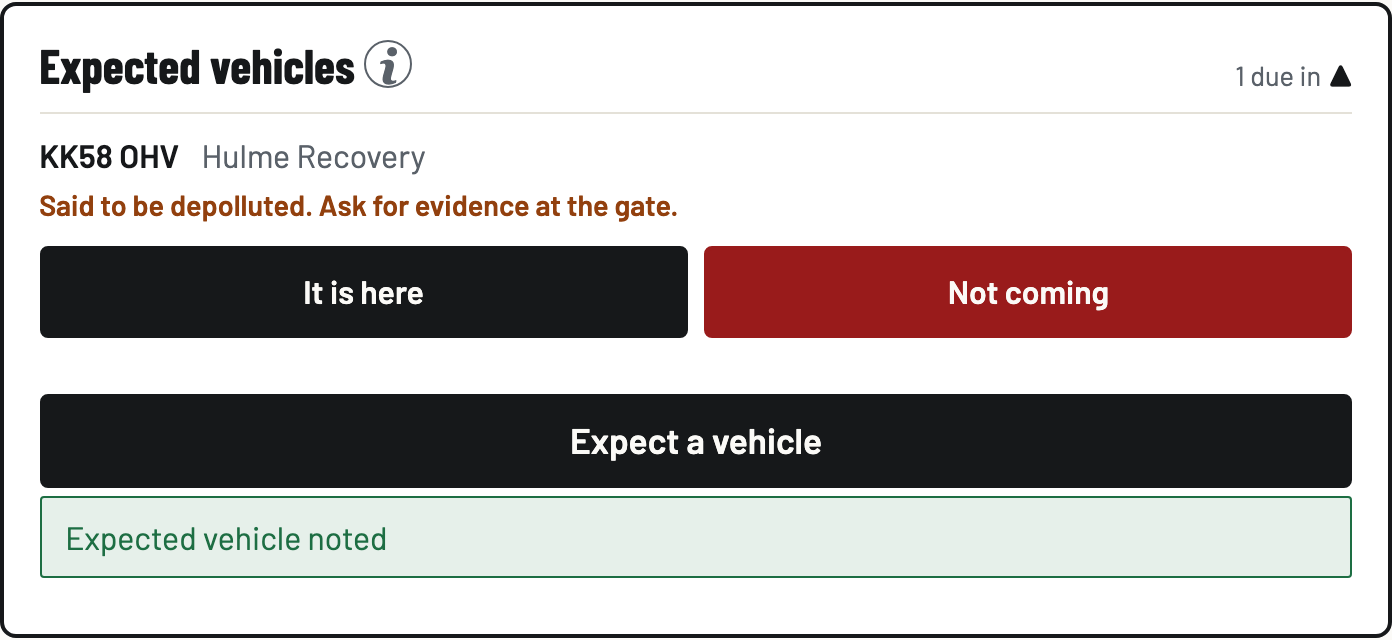
On the Gate tab, open Expected vehicles and tap Expect a vehicle: the reg, who is bringing it, when. If the seller says it is already depolluted, tick the box. The gate will remind whoever books it in to ask for evidence, which is exactly what the EA tells you to do.
- Book it in when it lands
Tap It is here on the expected row. The reg and supplier carry into the book-in form, and saving the book-in completes the expected record. The two records can never disagree about whether the vehicle came.
- Say where it is
On the vehicle, tap Set location and type where it sits, in your own words: Row C, back field, ramp 2. Your yard's names are remembered as taps for the next vehicle, and a little cross forgets one.
- Quarantine or reject when something is wrong
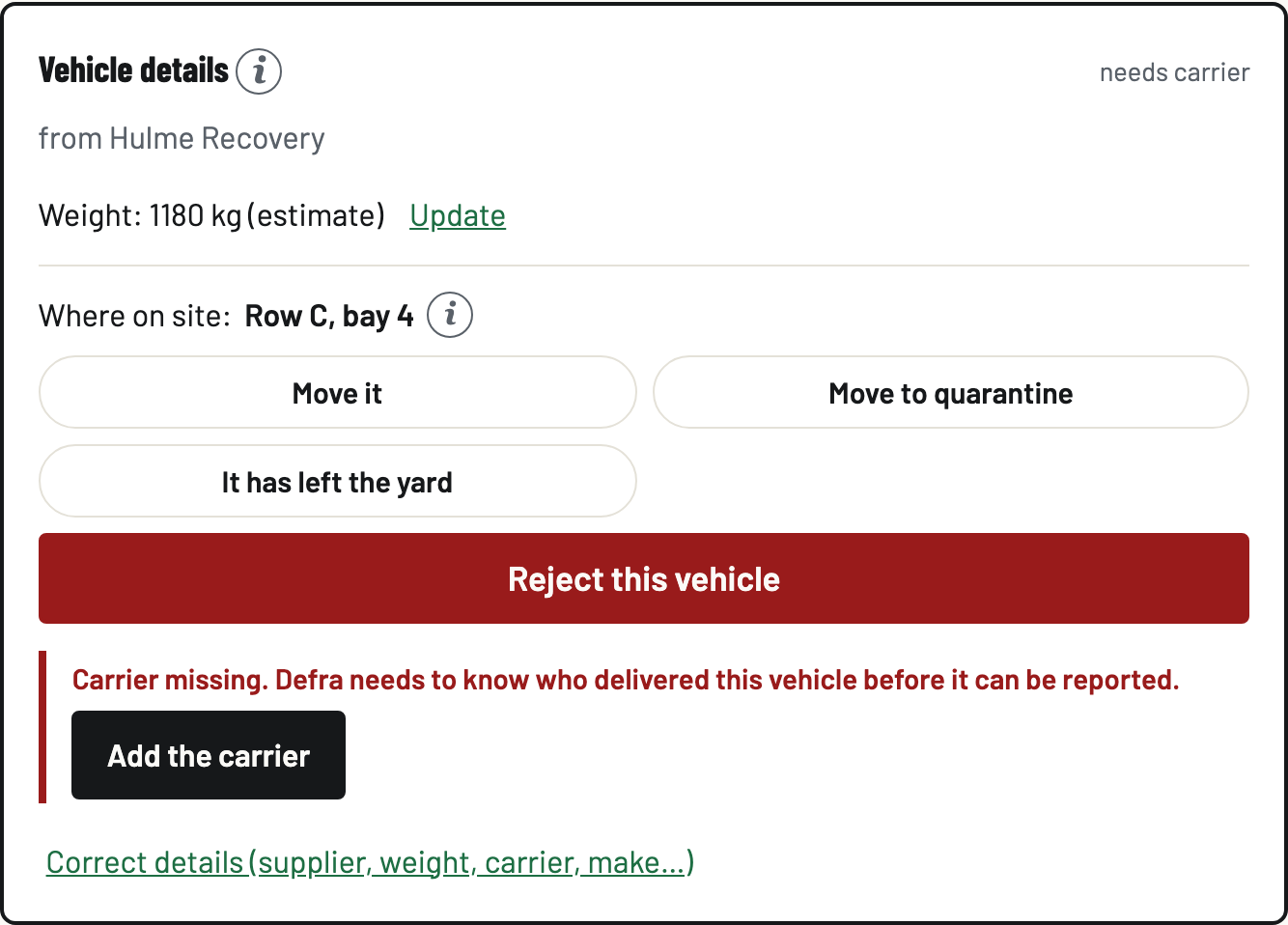
Move to quarantine starts the 14 working day clock the EA allows, counted down on the vehicle and going red near the limit. Reject this vehicle records why and whether the customer has been told, keeps the record for ever, and can be undone, with the undo recorded too.

- Mark it off site when it leaves
When the shell goes to the shredder or the vehicle moves on whole, tap It has left the yard and say where it went. The vehicle comes off the register, and the record and its evidence stay for ever, which is what the EA expects: acceptance records live at least two years after removal off site.
- Read the site register
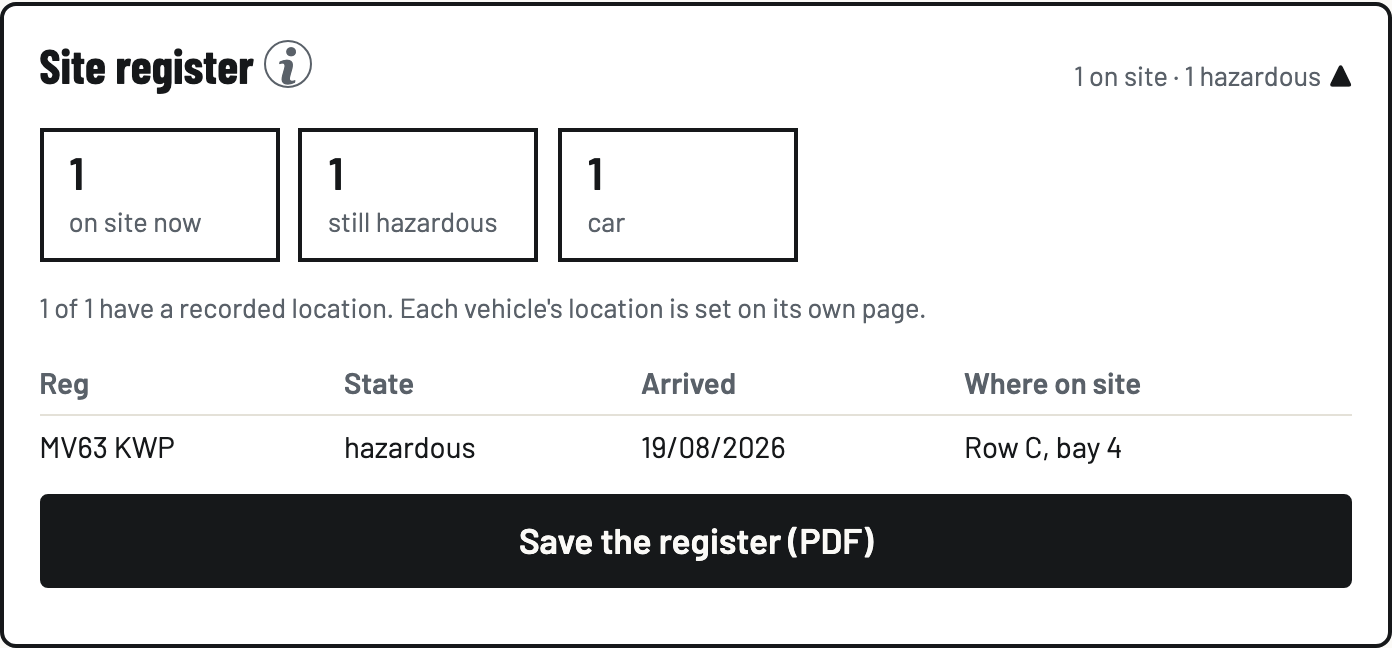
The Site register card on the Vehicles tab counts what is on site right now, what is still hazardous and what sits in quarantine, with each vehicle's location. Save the register (PDF) downloads a dated copy, read fresh from the server record at the moment you press it.